How to Add Your Own Music with Local Radio (PC Only)
With Local Radio, you can listen to your own music in Rideshare “Stimulator”.
The station plays tracks straight from a folder on your PC.
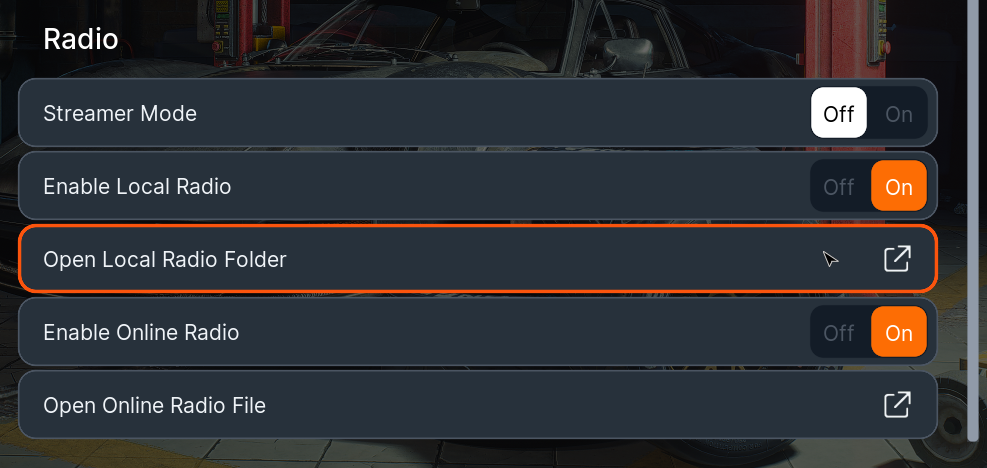
From the main menu, go to Settings → Audio.
Select Open Local Radio Folder.
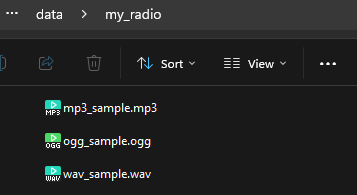
This opens the data\my_radio folder inside the game’s install directory.
Add your music files to this folder. Supported formats: MP3, OGG, WAV.
Switch back to the game.
Note: If you add tracks during gameplay, you’ll need to reload your save before they show up.
That’s it! You’ll now find the Local Radio station in the game, playing the tracks you added.
Was this helpful?